¶ Holidays & Absences
¶ Basic settings
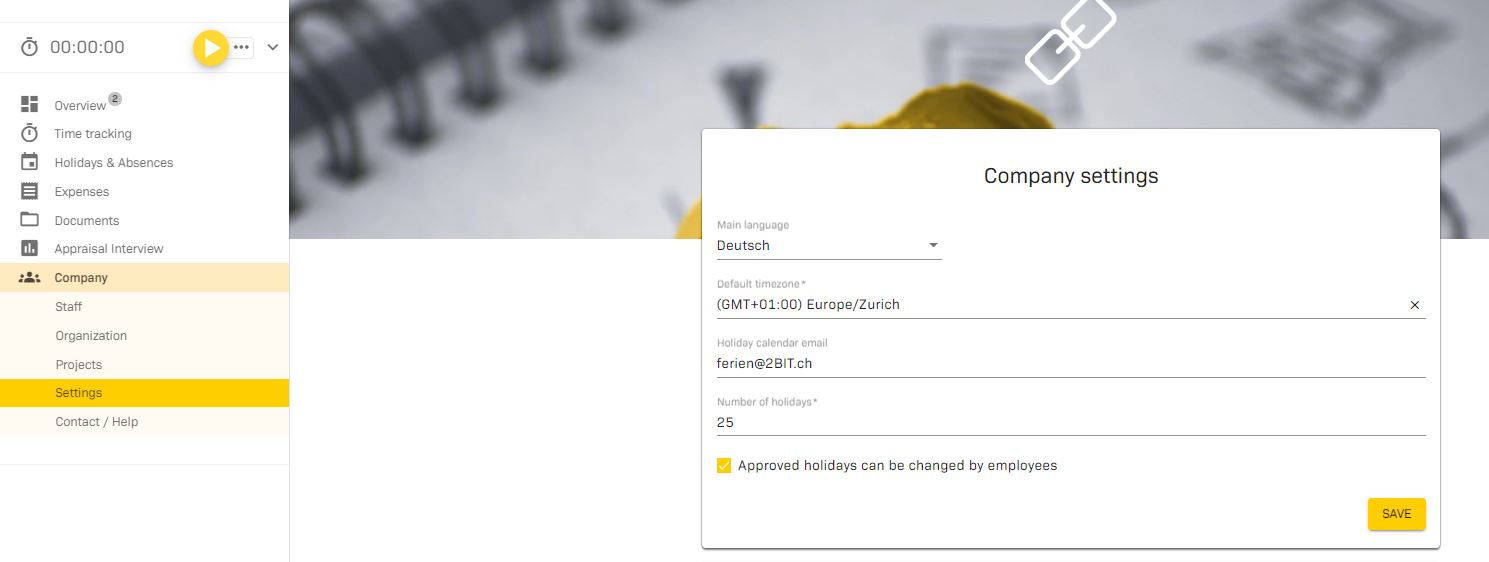
Under Company / Settings / Company settings you enter the number of days of holiday that apply in your company.
¶ Holiday balance: individual employees are entitled to a larger holiday balance. How do I enter this in the 2getHR?
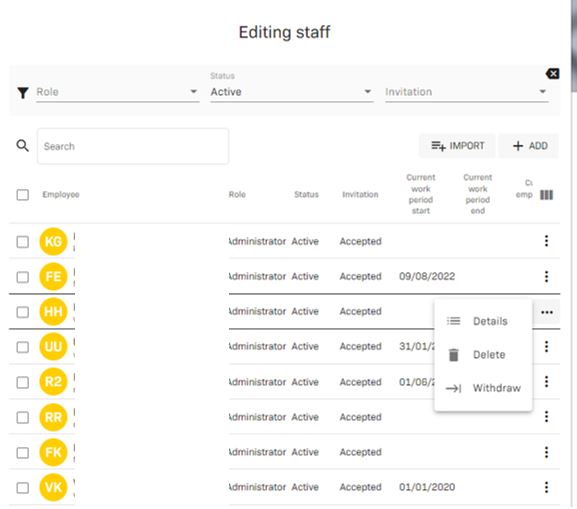
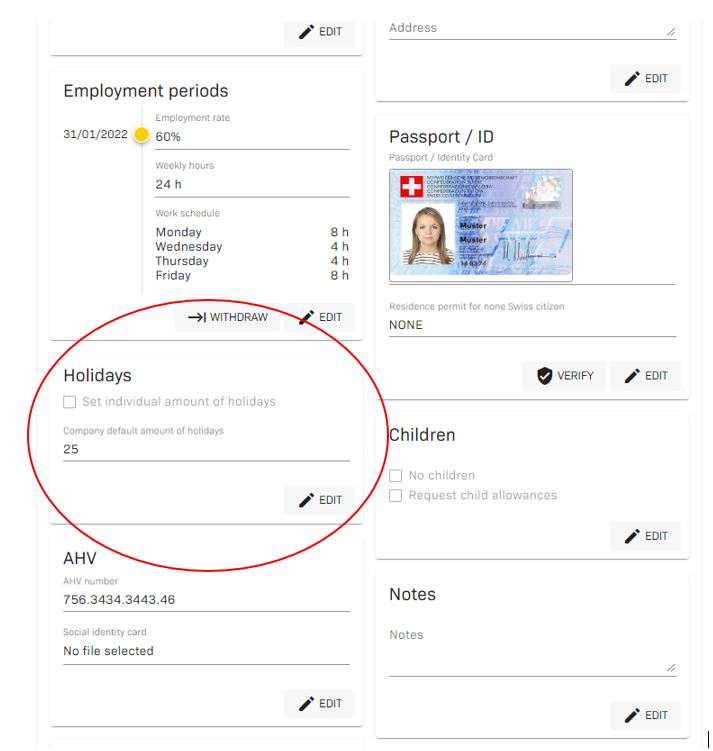
Under Company/Staff/Details you have the option to customise all details individually for each employee.
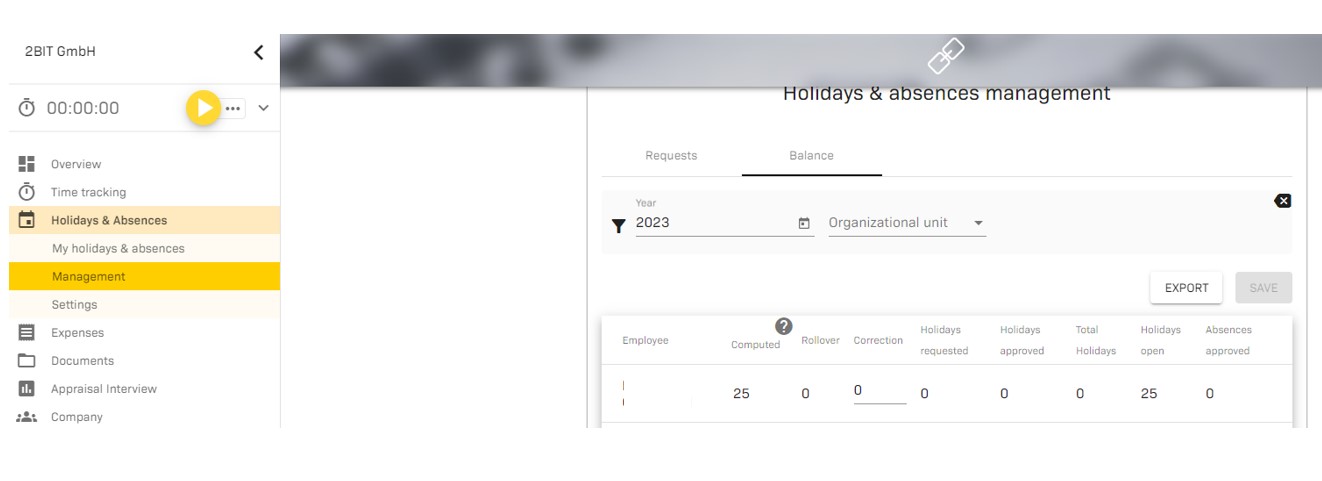
¶ Holiday balance: When 2getHR is introduced, individual employees still have residual balances from other systems. How can these be transferred?
Remaining holiday balances are entered as full-time days under Holidays & Absences / Management / Balance.
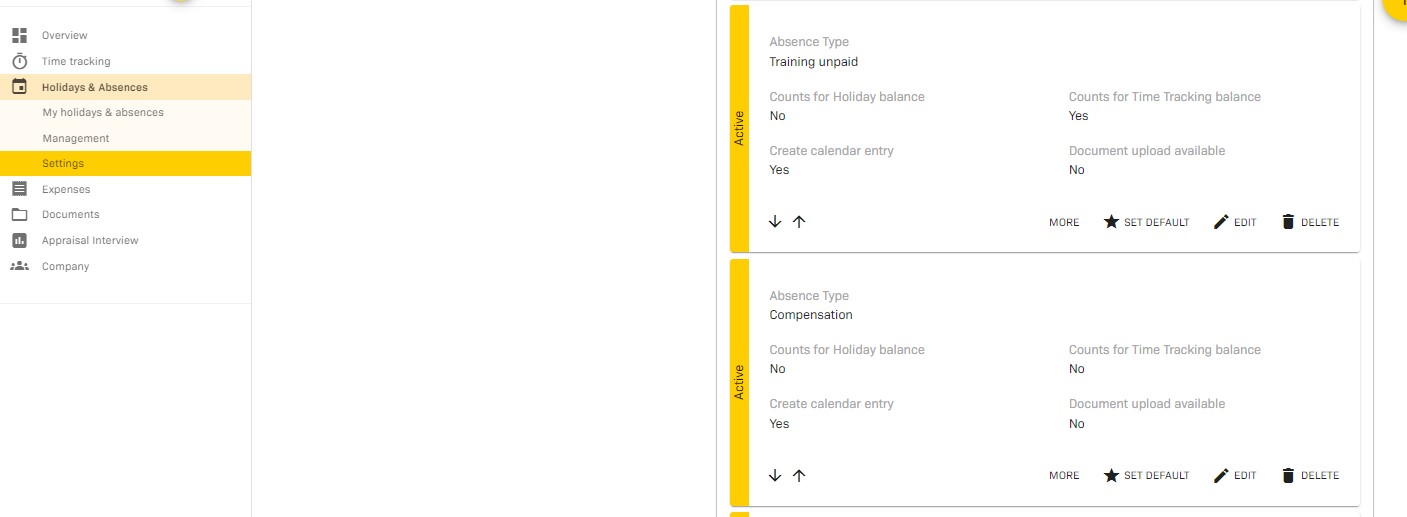
¶ How do I enter “compensation” in the calendar?
With the absence type “compensation”, the overtime can be requested as compensation and, after approval, displayed in the time recording as approved absence.
¶ Is there a calendar overview of the absences?
Under Holidays & Absences / Employments / Holiday calendar email address you have the possibility to connect 2getHR with the holiday calendar of your email system (e.g. Outook). For this purpose, it is important that you set up a separate calendar for holidays in your email system.
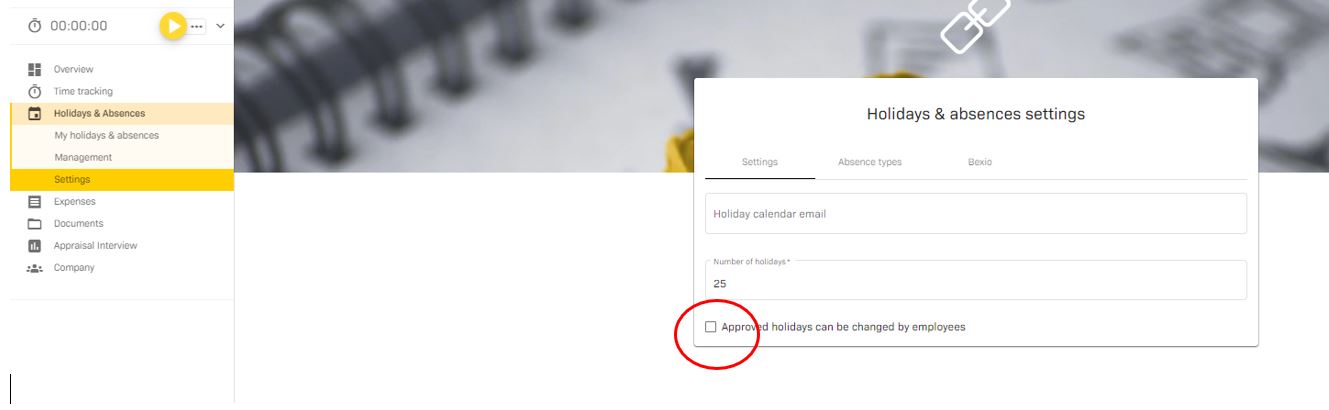
¶ Can the employee change already approved holidays again?
The function “Approved holidays can be changed by employees” can be activated under Holidays & Absences / Settings. If the function is activated, the employees can correct the approved holidays if necessary. The supervisor receives the corrected application for approval.
¶ Company holidays / public holidays: How can I store company holidays (whole days) and / or additional public holidays in the general calendar?
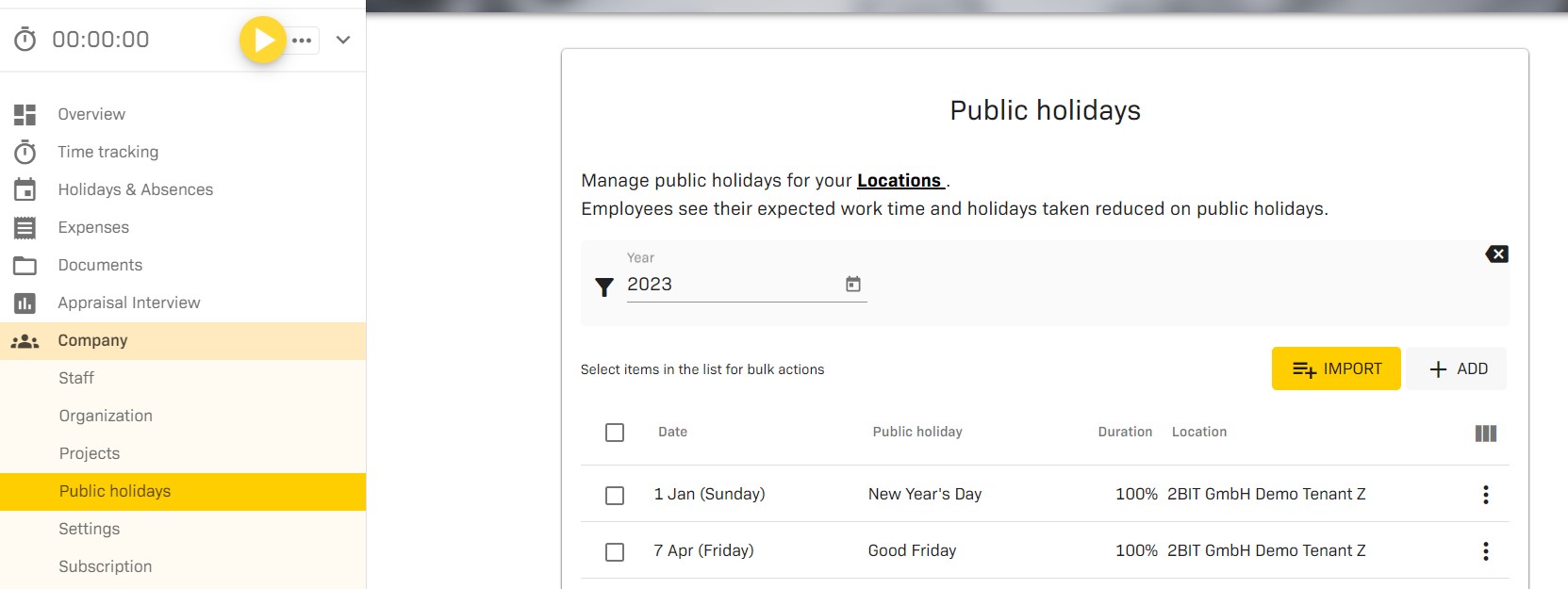
All Switzerland-wide public holidays are maintained by us (2BIT). Cantonal or local public holidays can be imported under Company/ Public holidays. It is also possible to store different locations here.
You can also add company holidays under Company / Public holidays.
We calculate with full-time days.